
Messaging within TeamChat
Messaging within TeamChat
Chat with your team about an upcoming job or collaborate with a group on a project. Conversations allow your staff to work better together from one place.
Article Content
Start a New Chat
Start a New Group Chat
Using @ Mentions
Start a New Chat
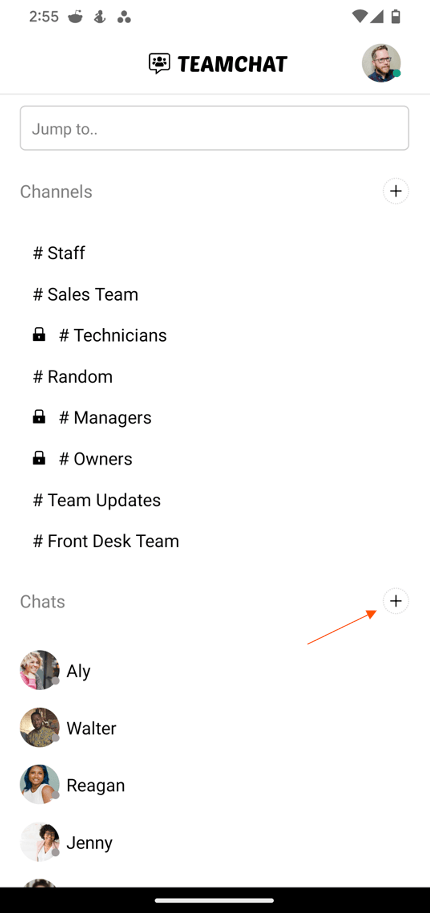
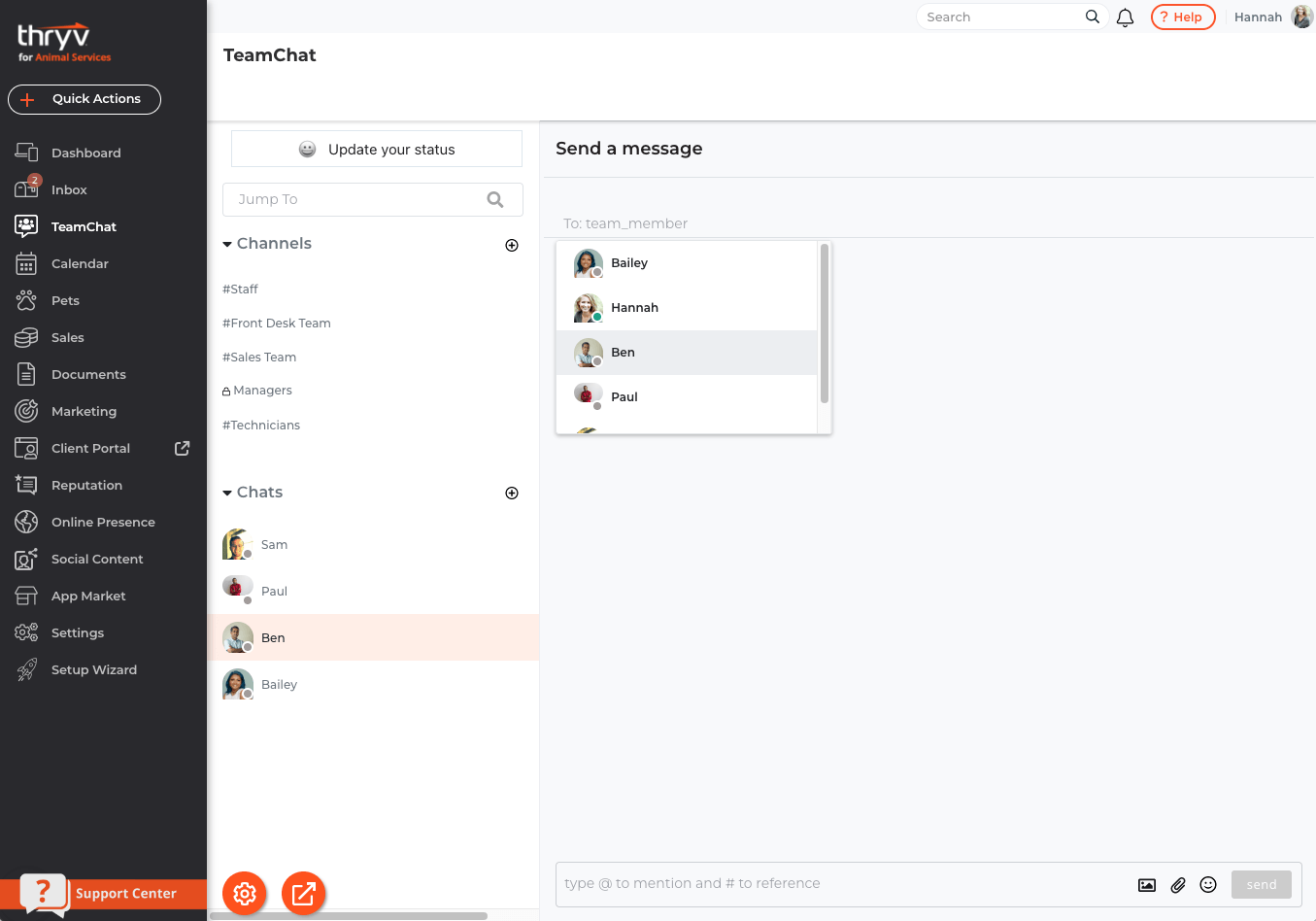
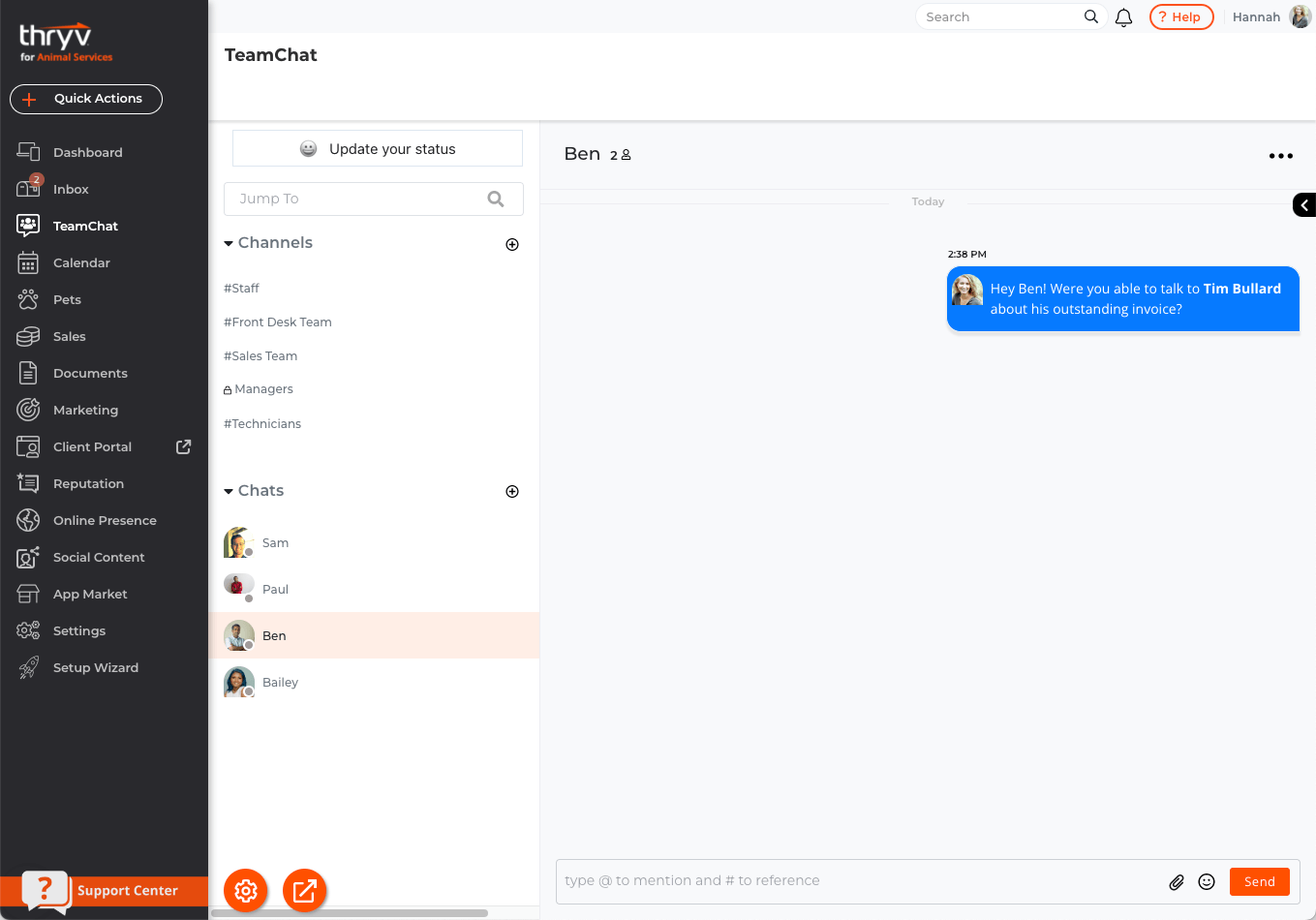
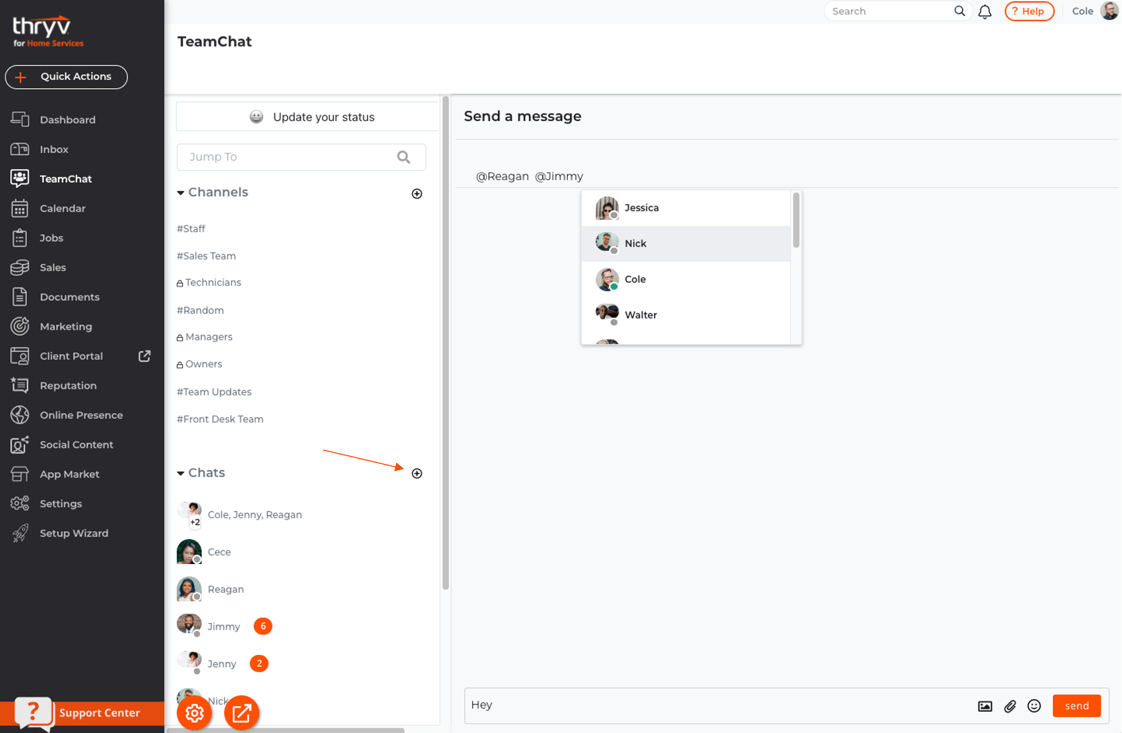
Starting a new chat in TeamChat is super quick and simple. To get started, select the + icon next to to the Chats section.
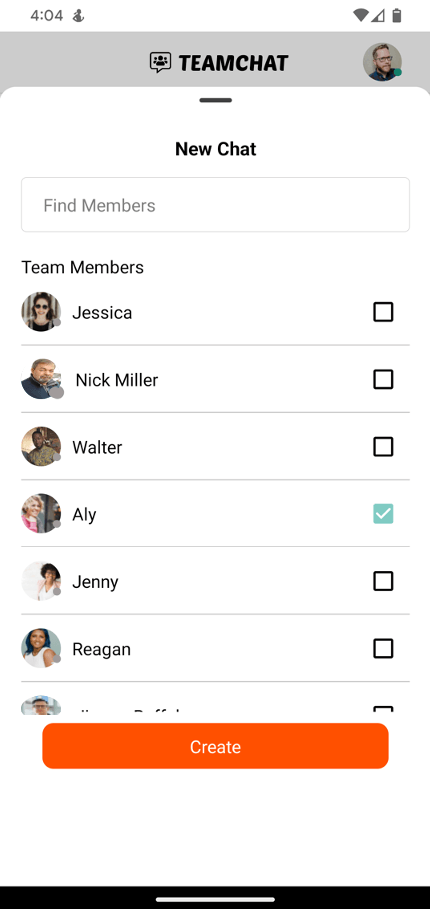
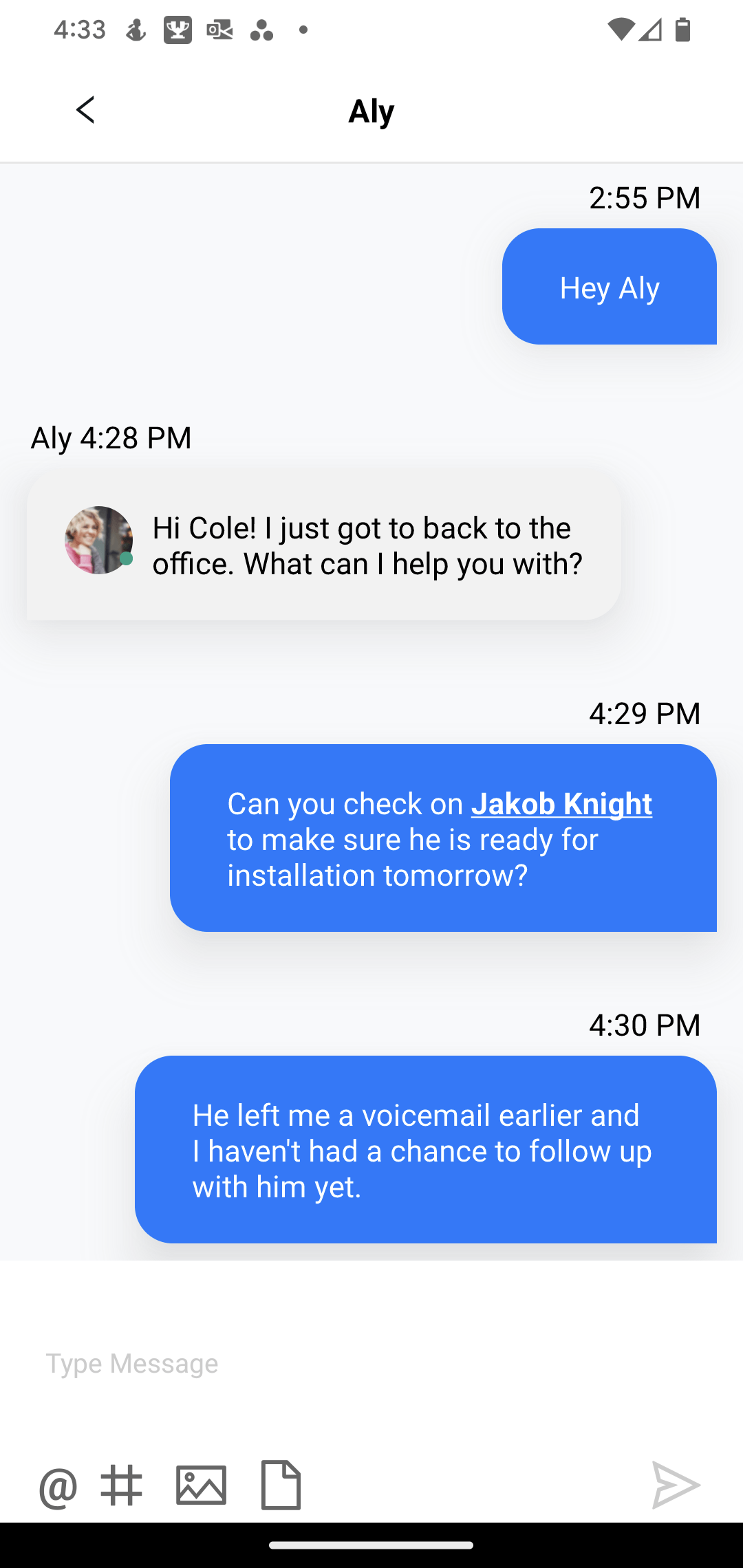
Then select the team member you like to start a chat with and select create. You will be taken directly to the new chat, where you can type your message!
New Chat - TeamChat Mobile App View
New Chat - TeamChat Desktop View
Start a New Group Chat
You can message multiple team members at once. To get started, select the + icon next to to the Chats section.
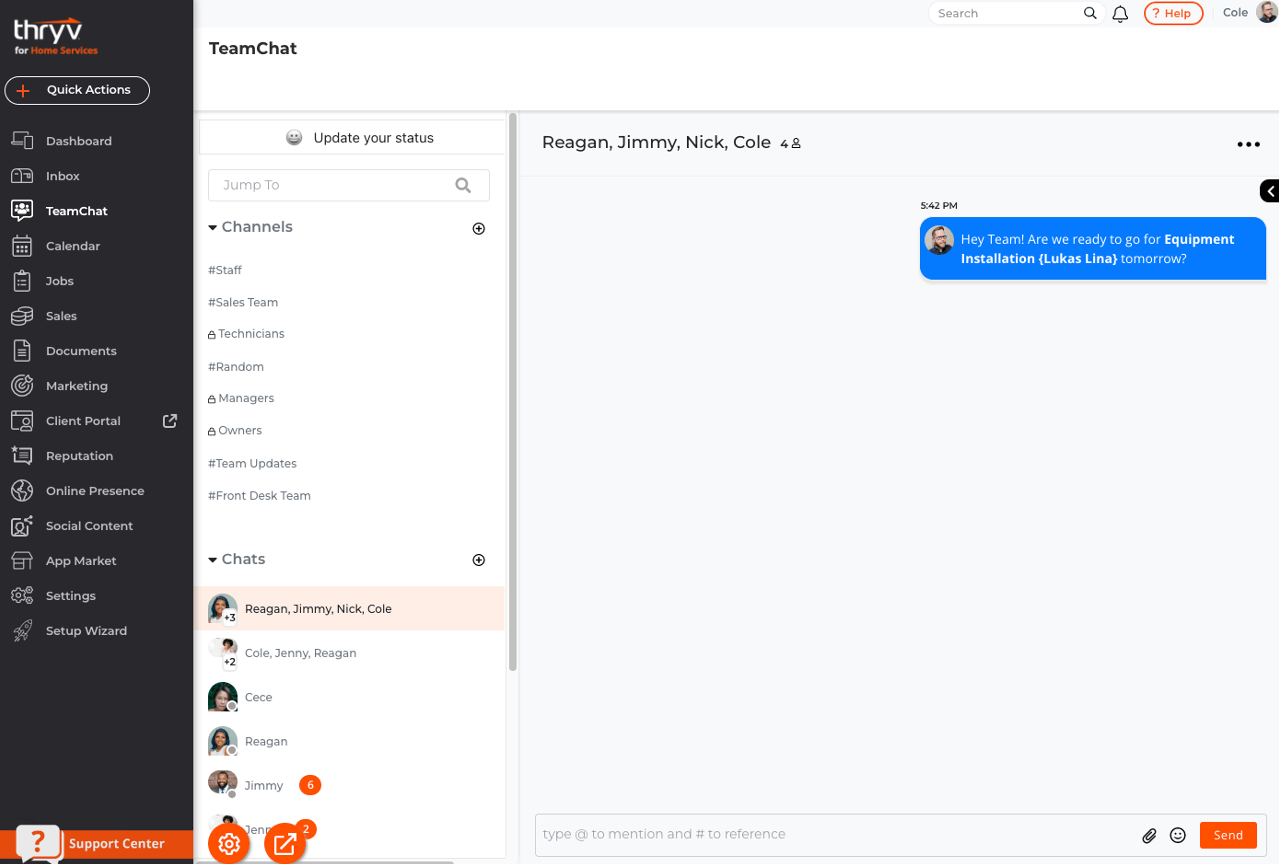
Then select the team members you like to start a chat with and select create. You will be taken directly to the new chat, where you can type your message!
New Group Chat - TeamChat Mobile App View
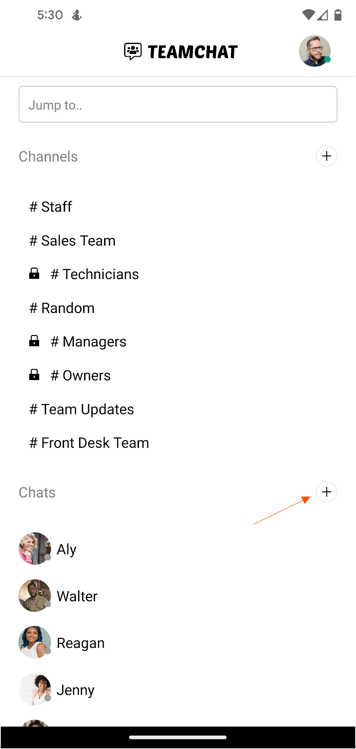
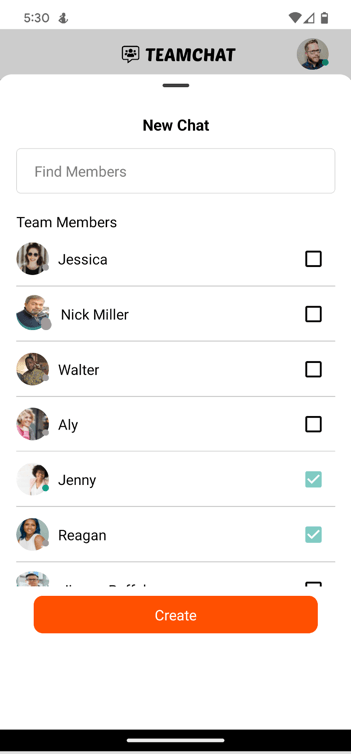
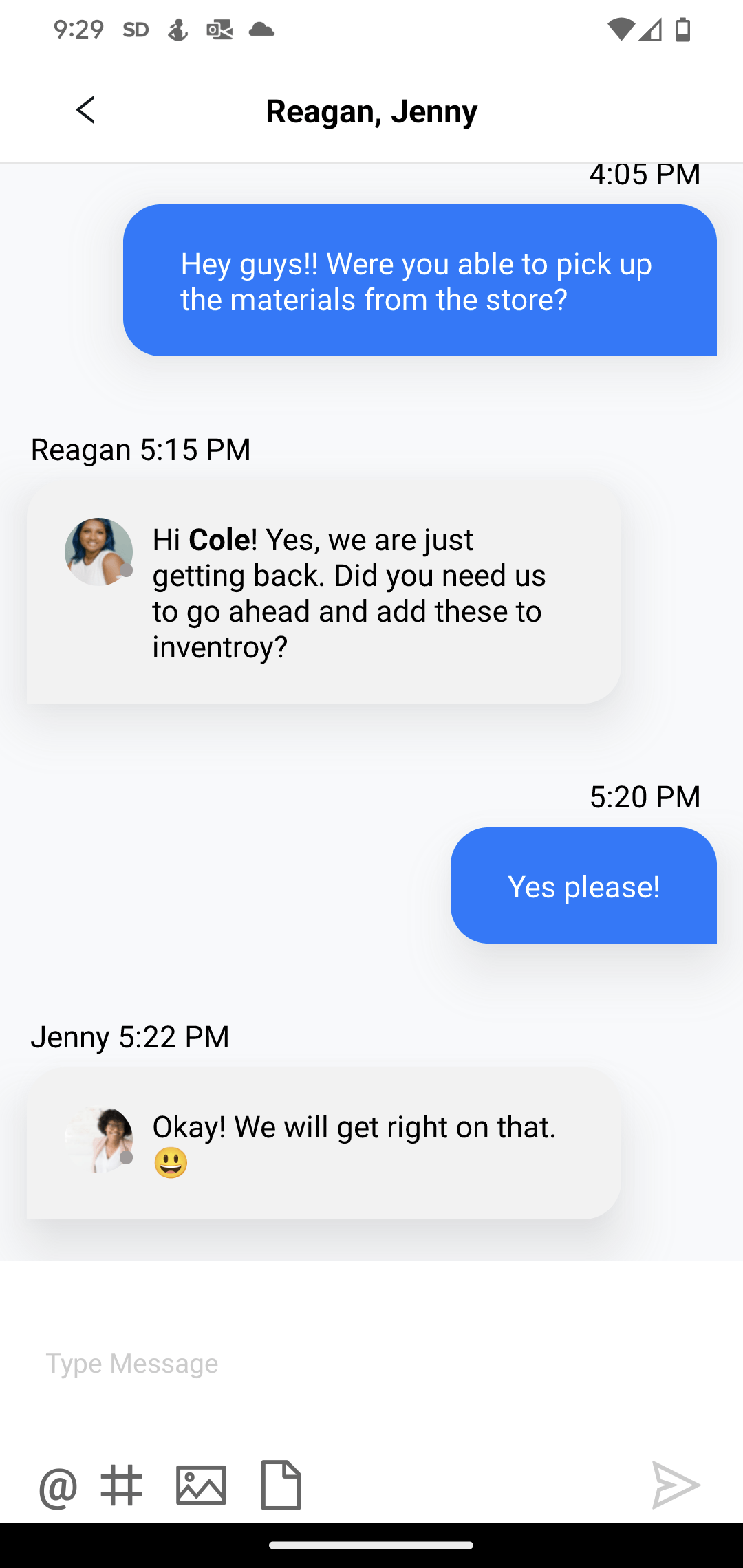
New Group Chat - TeamChat Mobile App View
Using @ Mentions
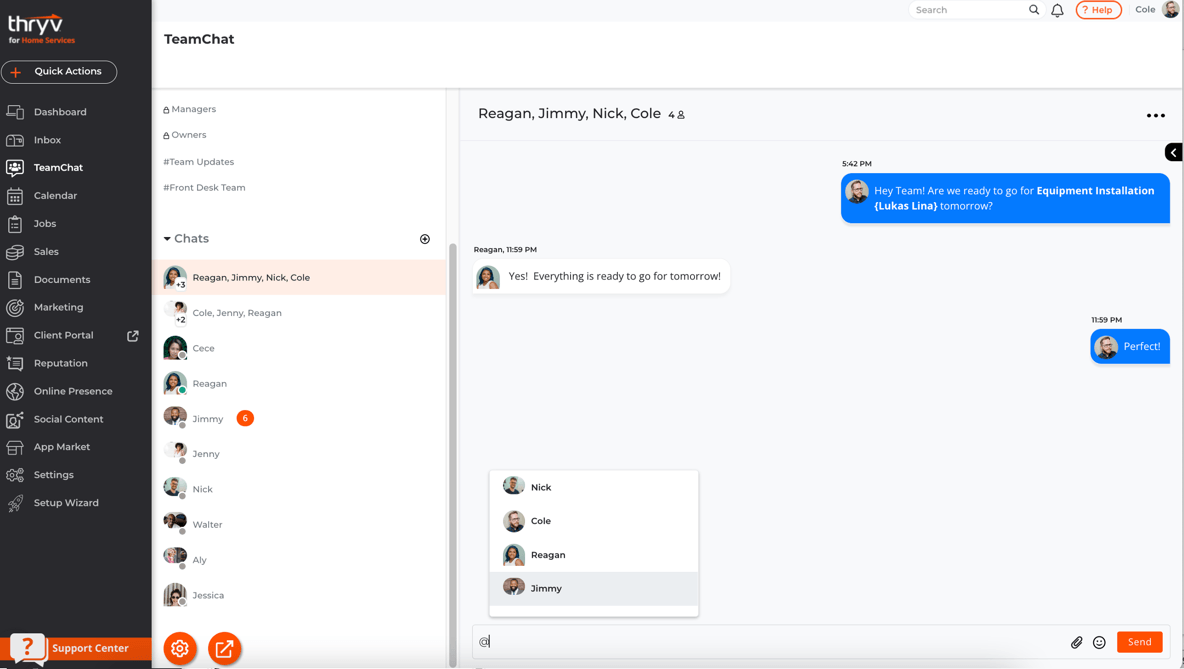
Need to get the attention of one your team members in a chat? Mention the team member by typing the @ symbol, then selecting this team members name. This will create a notification for them. This is a great tool to make sure your team members don't miss an important message!



 Translate